Stronger image organization in Ansira Create – Design Builder
Ansira Create – Design Builder now supports subfolders within Image Collections, making it easier to organize and manage large sets of brand images. Workspace admins can set up a clear folder hierarchy (up to three levels) so assets are grouped in ways that match how your teams actually work—by product line, brand, region, promotion, and more.
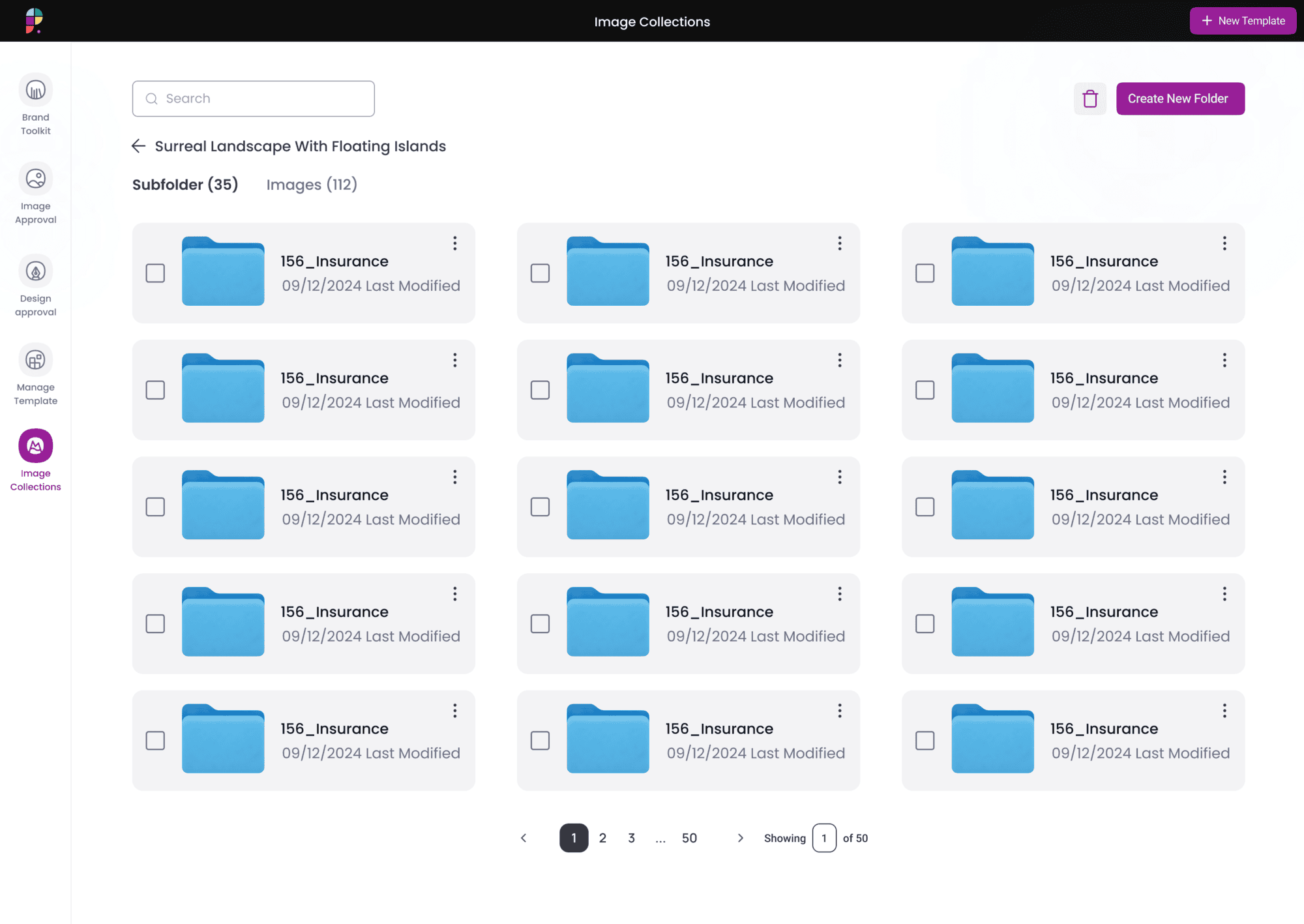
Template designers can then connect specific folders or subfolders to image tags, ensuring the right images automatically surface in the right templates without extra manual sorting. This structure also helps keep brand governance tight by separating “always-on” assets from campaign- or market-specific images.
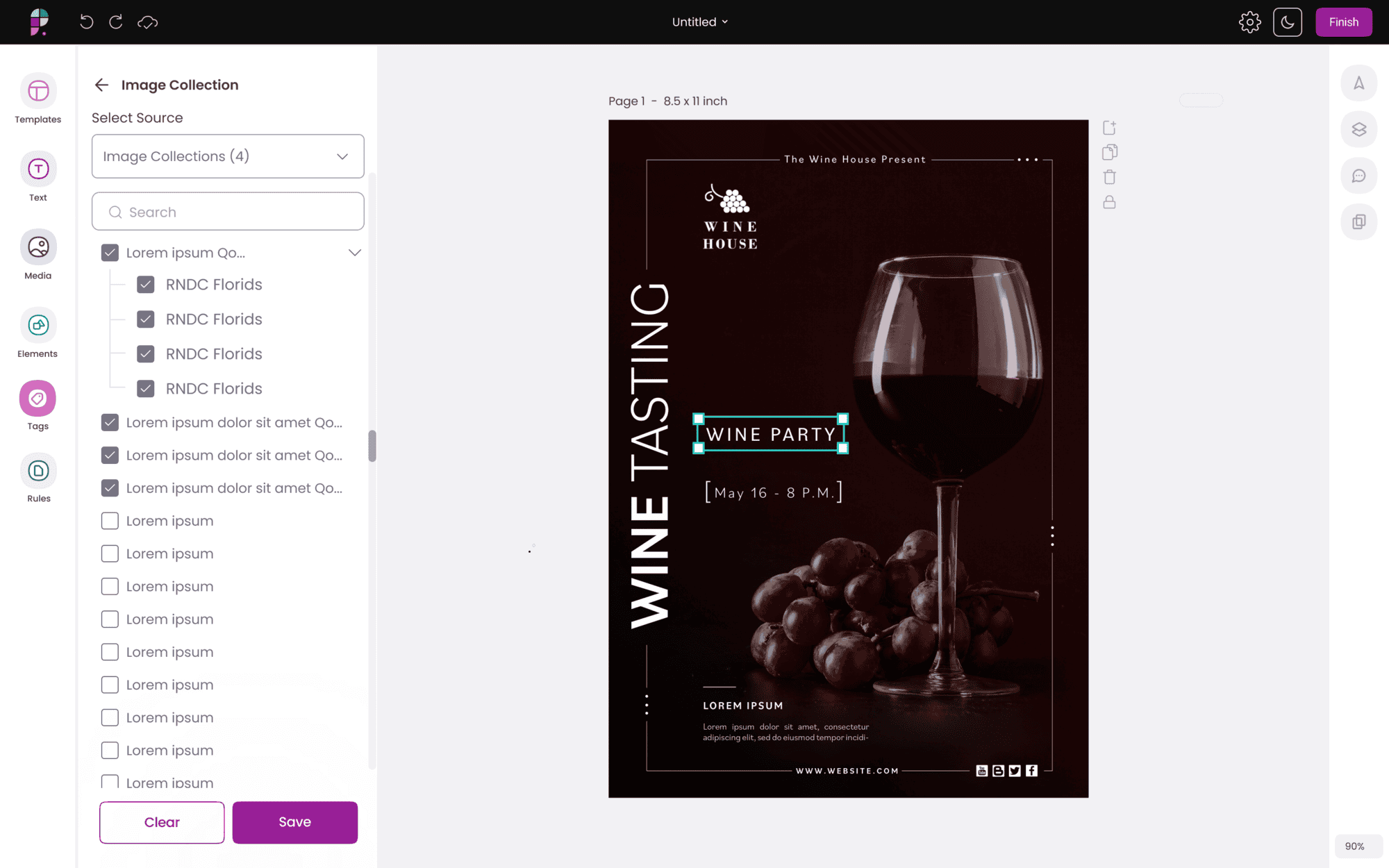
For end users like channel partners, nothing gets more complicated—they still see a clean, unified view of all approved images in their media tab. The folder structure works quietly in the background so they can move faster, while your marketing and admin teams get the control and organization they need.
This update helps your teams move faster while staying firmly on brand. By bringing more structure to how images are organized and surfaced in Ansira Create – Design Builder, you get smoother collaboration between central marketing and local users, fewer off-brand moments, and a cleaner path from creative concept to in-market execution across every location and channel.