Menu marker templates in Design Builder make it easy for brand and field teams to spin up polished drink menus in a few clicks, using pre-loaded recipes instead of starting from scratch each time. Brand teams define the layouts and how recipes appear, while sales users simply choose how many drinks they need, search or filter by recipe details, and drop them into the design.
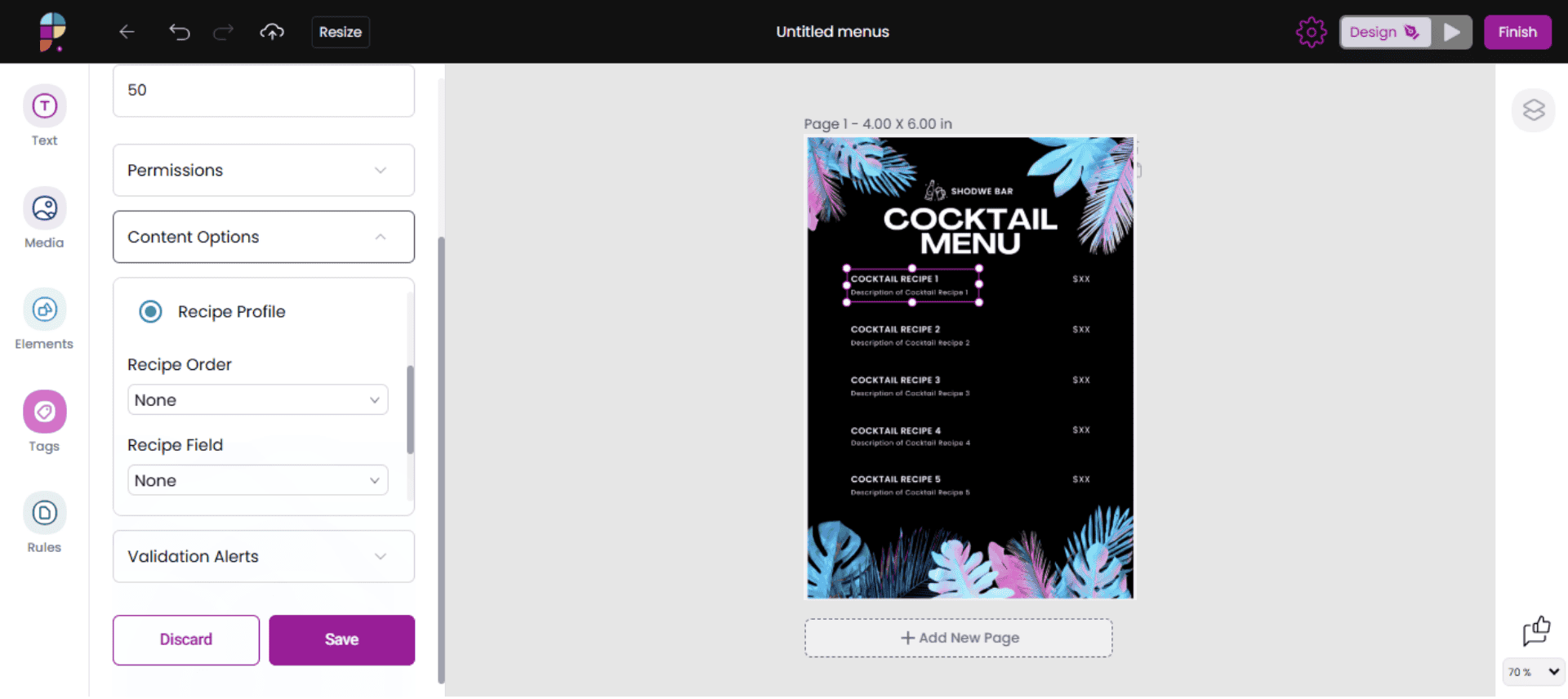
Behind the scenes, you can control which recipes are available in each template by segment and category, so local teams only see options that match current priorities and guidelines.
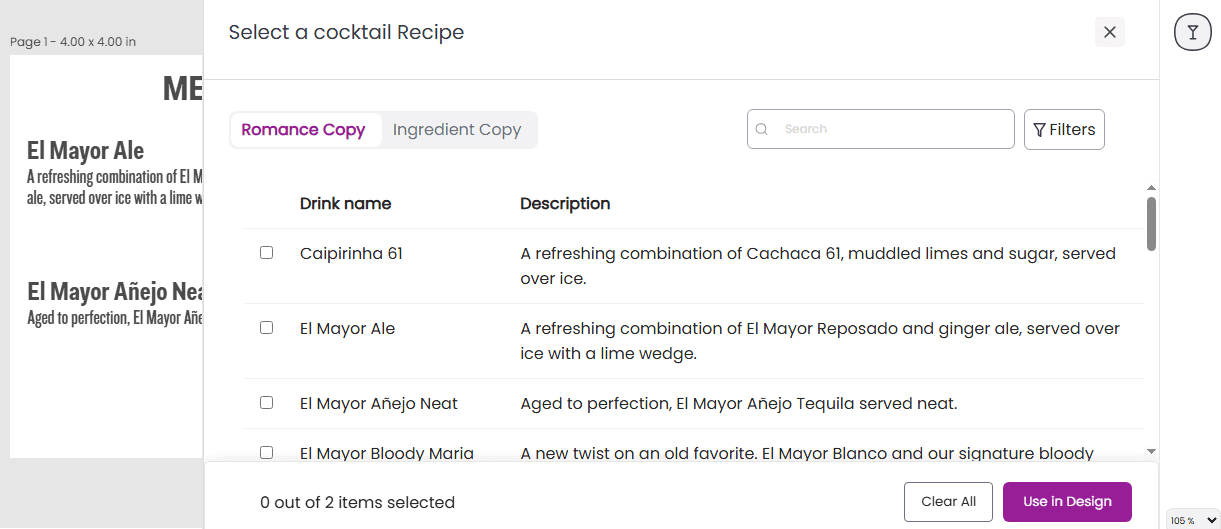
That means less back-and-forth on artwork, fewer errors or off-strategy menus in market, and faster time from campaign concept to printed or digital menus at the point of sale.