Superscript and subscript formatting in Design Builder Editor
April 13, 2026
Enhancement
Design Builder
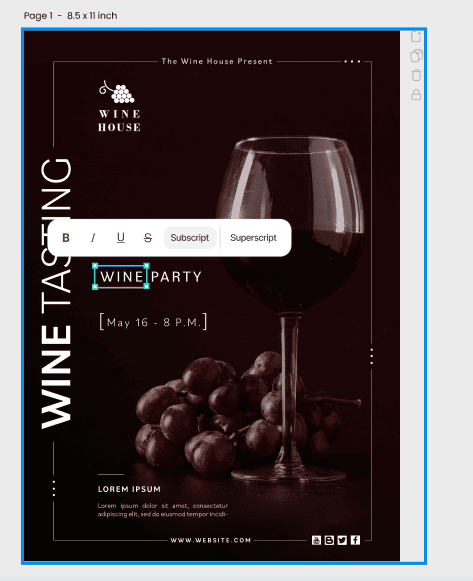
You can now format text as superscript or subscript directly in the Design Builder Editor, so your price points and offer details display exactly as intended. This makes it easy to display things like ™, ®, ©, and other small but important elements that keep your creative compliant and on-brand.
Users apply superscript or subscript from the text toolbar, either to single characters or full words, and can switch or remove the styling with a click. The formatting is preserved when saving, reopening, exporting, and when pasting approved content into Design Builder, so pricing and legal lines stay consistent without extra design work or manual fixes.